4 Restaurant Tech Upgrades That Actually Made Service Worse
Restaurant technology speeds up service, reduces errors, and simplifies dining for guests and staff. Although they look nice on paper, some enhancements generate complications at the table. Technology that adds processes, breaks under duress, or removes human judgment that makes service flexible can slow and colden service. In busy dining rooms, even little delays can cause long waits, jumbled orders, and heated conversations. Here are four restaurant tech updates that can fail. It describes what goes wrong, why diners notice it immediately, and how to improve so convenience doesn’t become chaos. We want faster service, not more screens.
1. QR Code Ordering That Replaces the Server
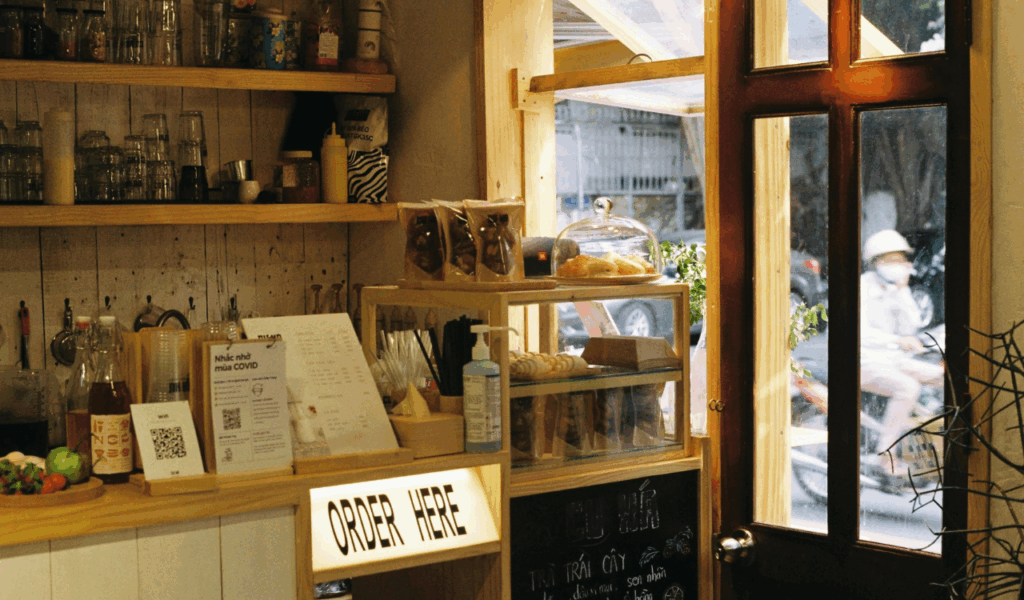
QR ordering can be helpful for quick extras, but it typically makes service worse when it takes the place of basic table care. Guests must scan, load a menu, choose modifiers, and fix slow Wi-Fi or dead batteries, all while a timer starts in their brain. If a server could answer questions like “How big is the portion?” or “How spicy is it?” in a matter of seconds, they would have to estimate and return. Food arrives at different times for different groups, thus the table never matches. Seniors and those who need assistance may feel excluded. QR ordering works best in restaurants with obvious staff check-ins and a quick support button. There is no backup if the system fails.
2. Tabletop Tablets That Interrupt the Meal
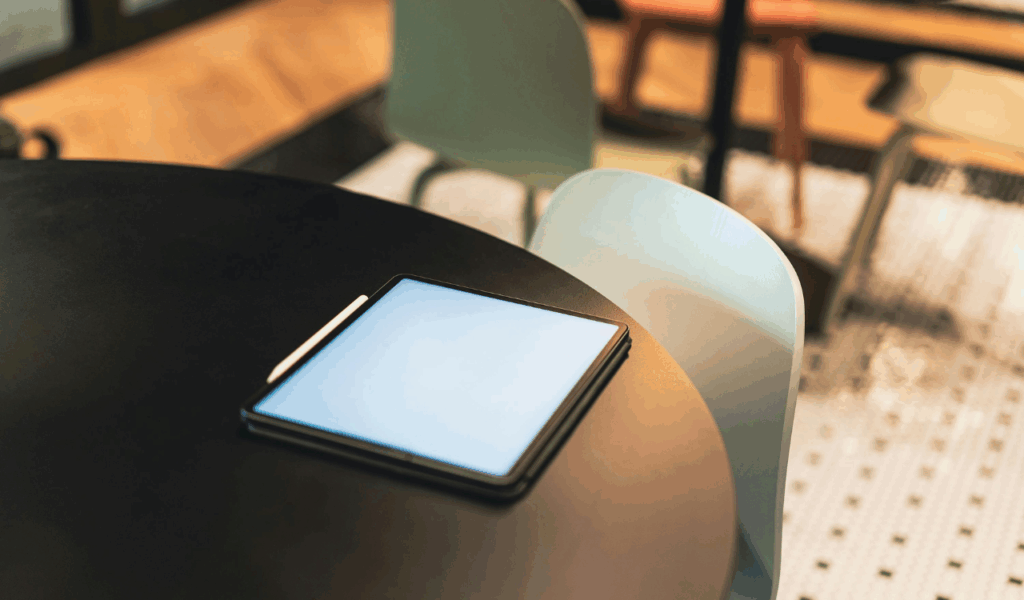
Tabletop tablets make it quick to order and pay, but they can hurt hospitality when they become the main way to talk to people. The screen competes with conversation, pops up upsells, and pushes visitors to make quick choices before they have a chance to read the menu. Sticky surfaces and fingerprints are widespread, which makes the table feel dirty even when the kitchen is clean. Splitting checks is difficult, and fixing problems is harder without a meal flow supervisor. Tablet freezes make guests wait longer than for a server. Tablets should remain quiet until you tell them to, and staff should greet, guide, and check tables as usual.
3. Self-Service Check-In Kiosks That Create a Lobby Traffic
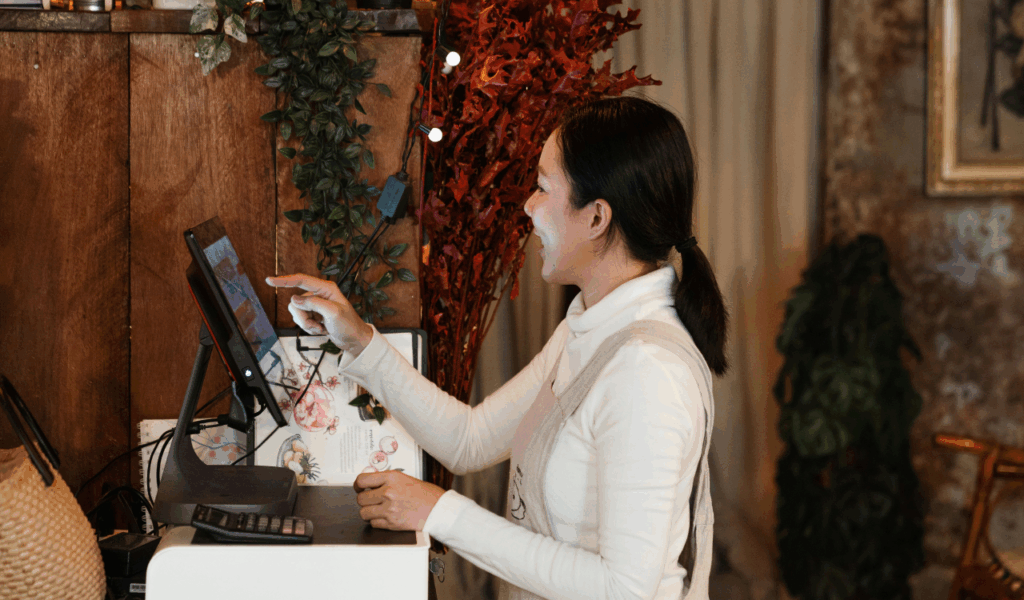
Host stand kiosks and fully automated waitlists can cut down on staff, but they can also cause problems at the front door. When a lot of people show up at once, one slow touchscreen transforms into a line, and people block the doors while they try to put in their names, party size, and phone numbers. Auto texts can be hard to understand, especially if messages are late or send guests home too soon. If a host doesn’t scan the room, they may miss large groups, accessibility issues, or requests. This can cause seating issues and fights. A good host also checks the time, informs guests, and quickly finds open tables. Technology should assist hosts, not replace them.
4. Handheld POS Devices With Too Many Prompts
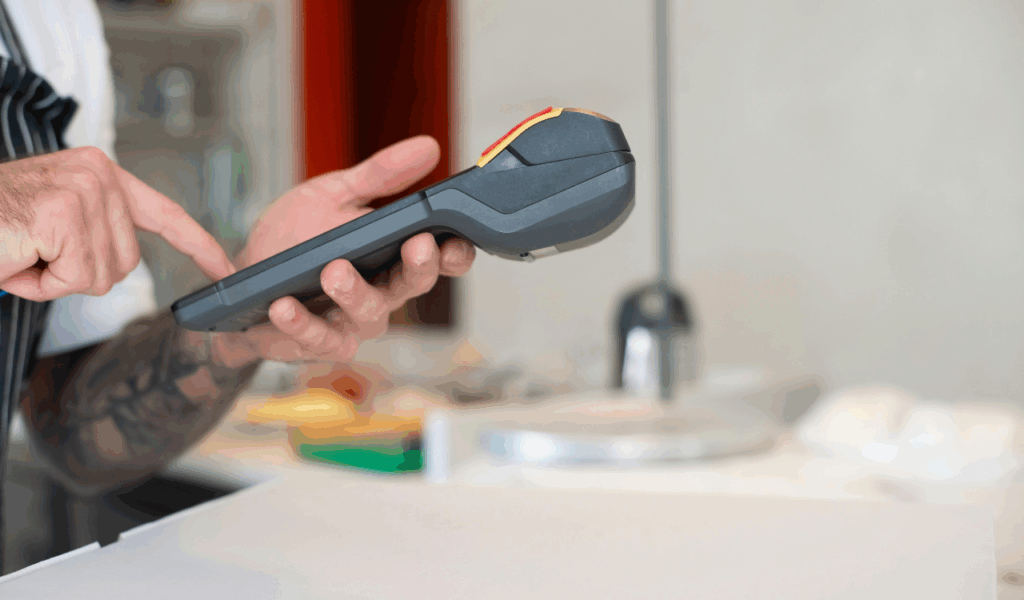
Handheld ordering devices speed up service, but misconfigured systems slow it down. Before sending an order, servers must go through long lists of modifiers, allergy warnings, loyalty pop-ups, and tip requests, which makes the table feel ignored and slows the pace. Small screens make it easier to tap the wrong side, doneness, or missing object. Some systems drop orders when the connection is weak, forcing staff to re-enter tickets and apologize. Each request requires a workaround, making training harder. The finest settings simplify buttons, protect critical modifiers, and let staff use their judgment without fighting the device.