7 Functional and Stylish Desk Accessories to Elevate Home Office
A home office feels completely different when the tools you use every day are both practical and pleasing to look at. Small upgrades can shift the space from makeshift to intentional, helping you stay organized while making work feel a little more enjoyable. The right accessories don’t just tidy your desk, they support better posture, clearer focus, and a workspace you actually want to sit down to each morning. When form and function meet, even long workdays feel smoother.
1. Premium Desk Pad
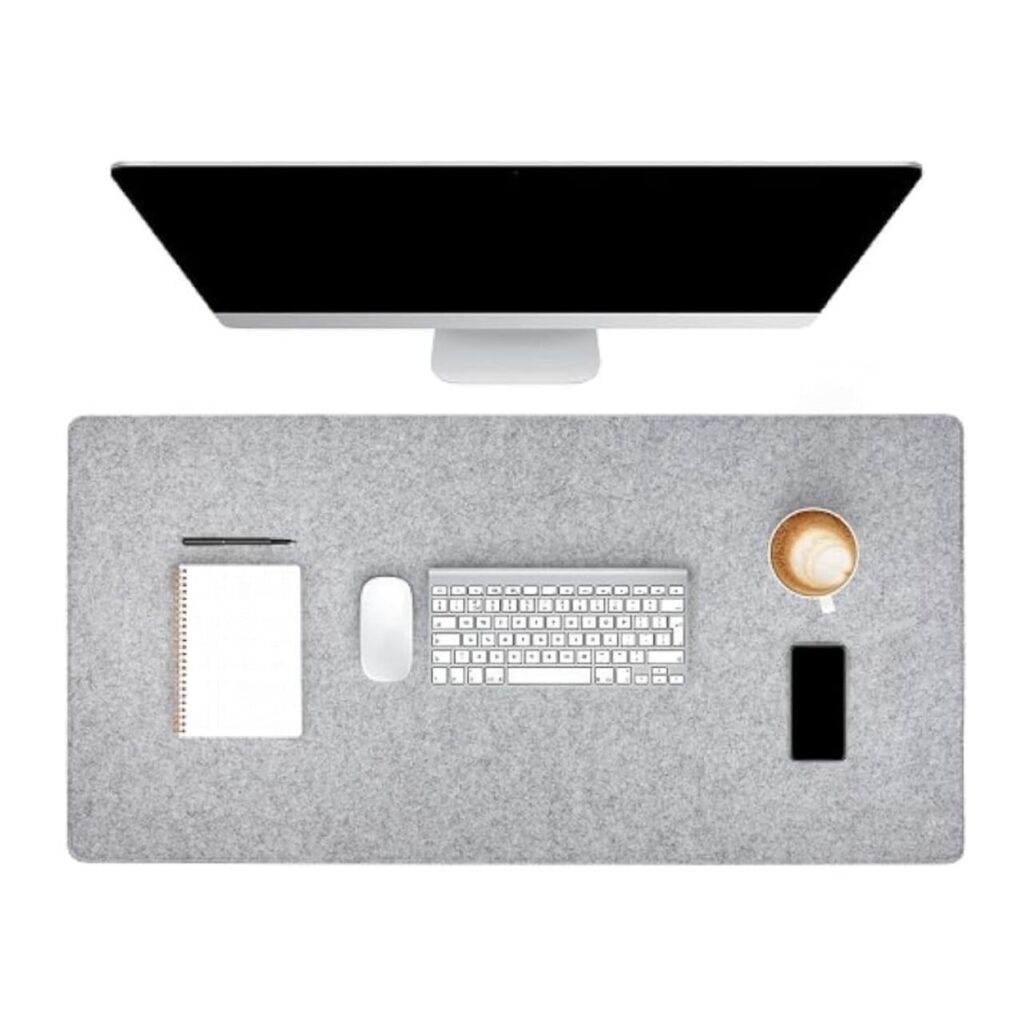
A desk pad does more than protect your tabletop from scratches and coffee rings. It quietly defines your main work zone so your keyboard, mouse, and notebook feel like part of a single, organized setup. A smooth surface makes writing easier and gives your mouse better tracking than bare wood or glass. Leather or good faux leather brings subtle texture and a more polished look, while felt or rubber-backed pads stay put when you type. Because the pad visually separates your work area from the rest of the desk, it also helps your brain switch into “work mode” when you sit down.
2. Monitor Stand With Built-In Storage
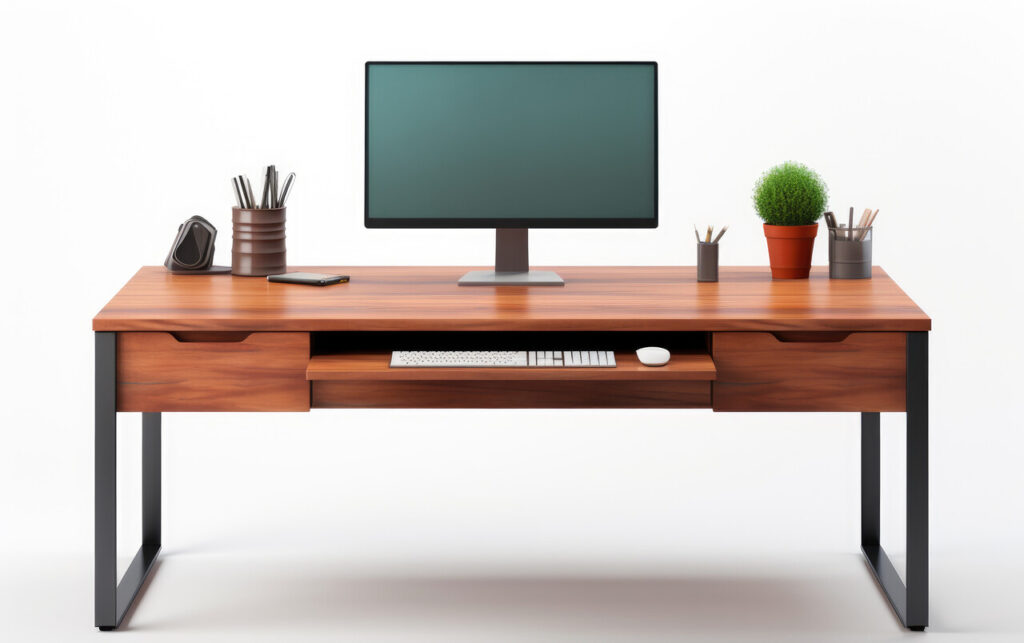
Raising your monitor to roughly eye level is one of the simplest ways to improve posture. A stand brings the screen up so you are not bending your neck all day, which can ease strain on your shoulders and upper back. When the stand includes a drawer or cubby, it does double duty by creating storage in space that would otherwise be empty. You can tuck away notebooks, sticky notes, hard drives, or spare cables, leaving less clutter on the main desk surface. A clean line under the monitor also makes the whole setup look more intentional. Stands in wood, metal, or acrylic can match different decor styles, but the function is the same. Better ergonomics and hidden storage in a compact footprint.
3. Screen Bar Or Slim Desk Lamp
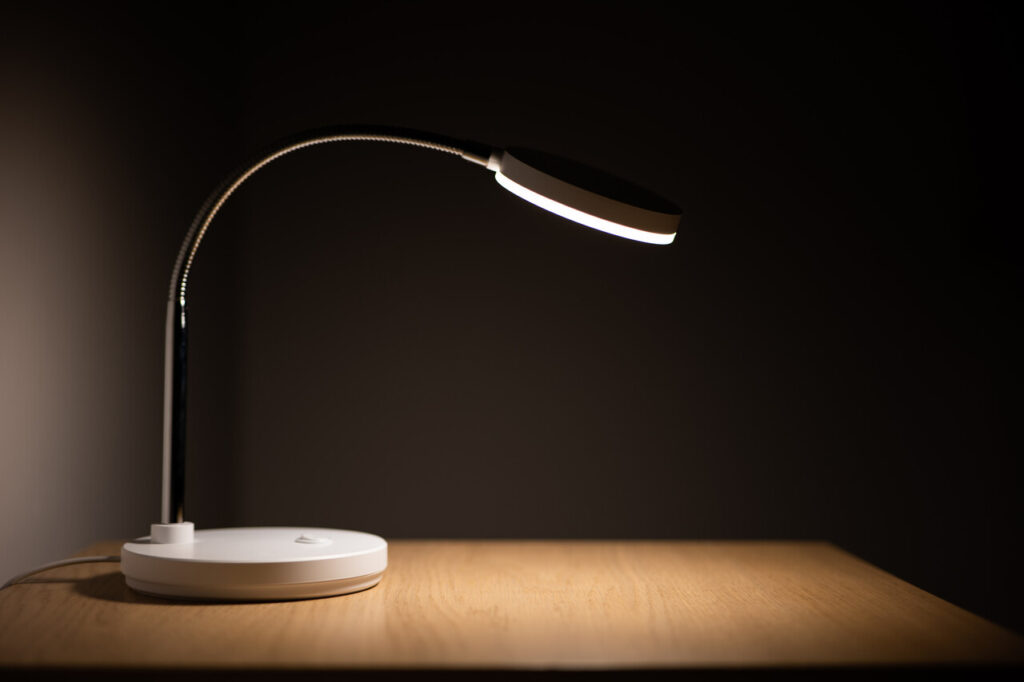
A screen bar lamp clips to the top of your monitor and shines light down onto the desk instead of into your eyes or onto the screen. That means less glare and fewer reflections while still giving you enough brightness to read documents or notes comfortably. Because it does not sit on the desk, it frees up valuable space, which is especially helpful on narrow or shared work surfaces. Many models let you adjust color temperature and brightness so you can choose cooler light for focused work and warmer light when you are winding down. Even a slim, well-placed table lamp can serve the same purpose if you do not use a monitor.
4. Cable Management For A Cleaner Setup
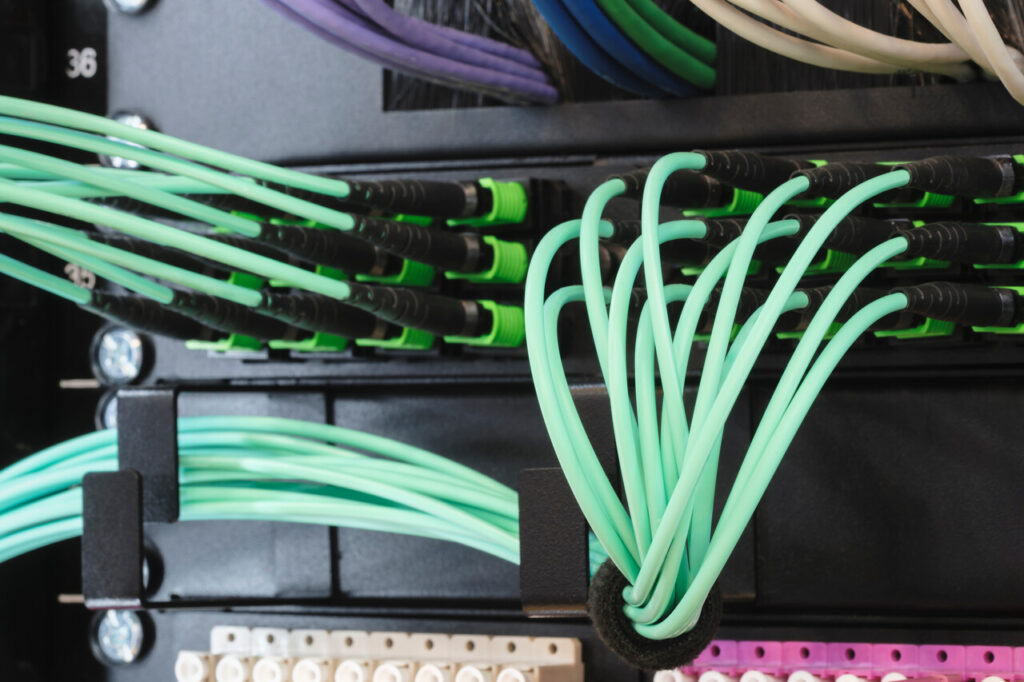
Cables are often the reason a home office looks chaotic even when you do not have much on the desk. A simple cable management system keeps wires from tangling, sagging, or spilling onto the floor. Under-desk trays or channels hold power strips and extra cord length out of sight. Adhesive clips along the back edge of the desk keep charging cables within reach instead of slipping behind the table. Velcro ties or reusable straps bundle longer cords so they do not loop everywhere. Besides looking better, organized cables make cleaning easier and reduce the risk of accidentally unplugging something important.
5. Modular Desk Organizer Set
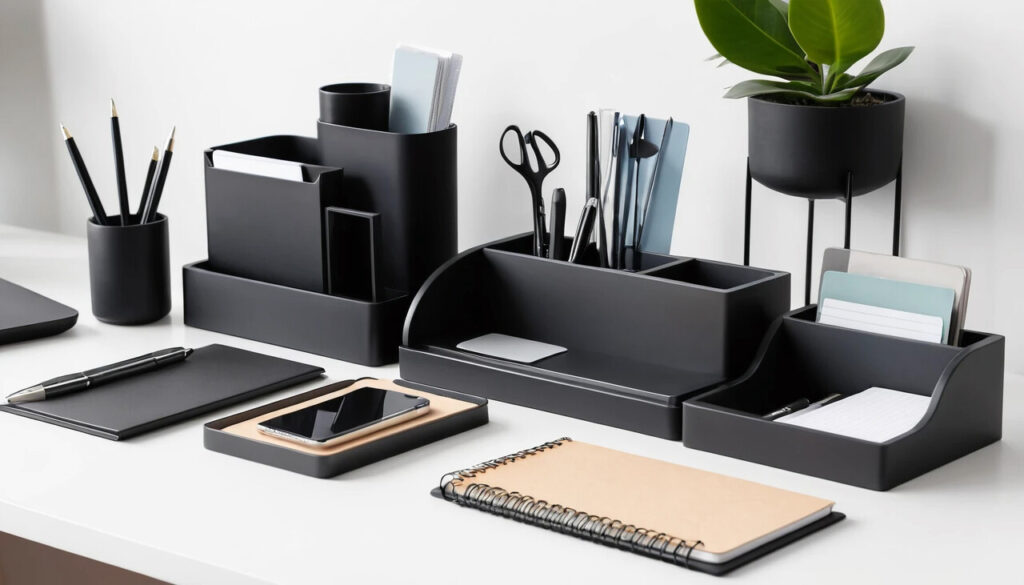
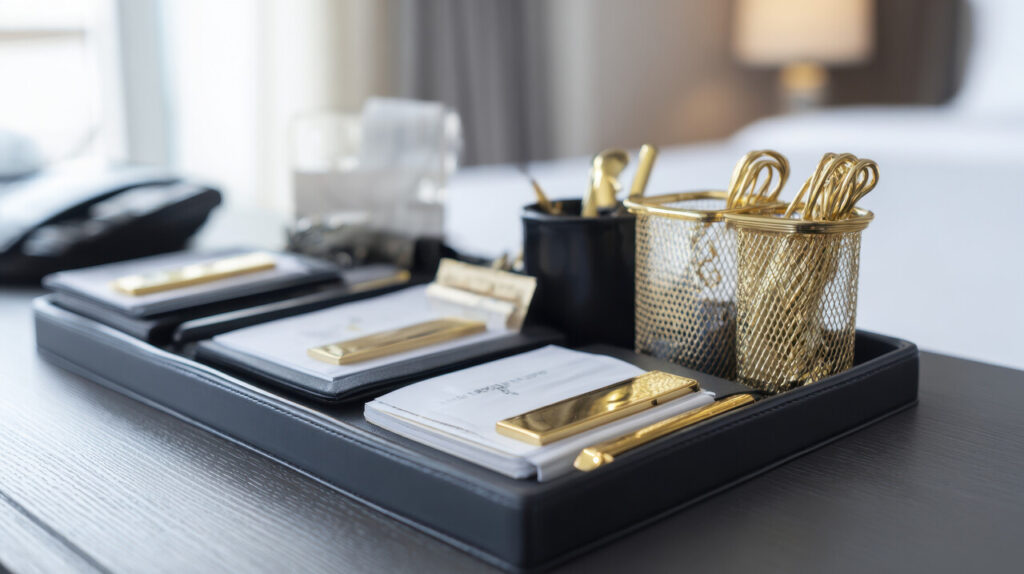
A modular organizer is basically a toolbox for the small things that constantly migrate across your desk. Compartments for pens, highlighters, paper clips, sticky notes, and headphones mean each item has a defined home. When everything lives in one coordinated set, you can clear the rest of the surface and still find what you need quickly. Modular pieces are especially useful because you can reconfigure them as your work changes. One day you might keep them in a single block near your dominant hand, and on another you can spread pieces out or move some to a drawer. Choosing an organizer in wood, metal, or a simple matte finish avoids the “plastic office supply” look and helps the set blend in with the rest of your decor.
6. Laptop Stand For Better Posture And Space
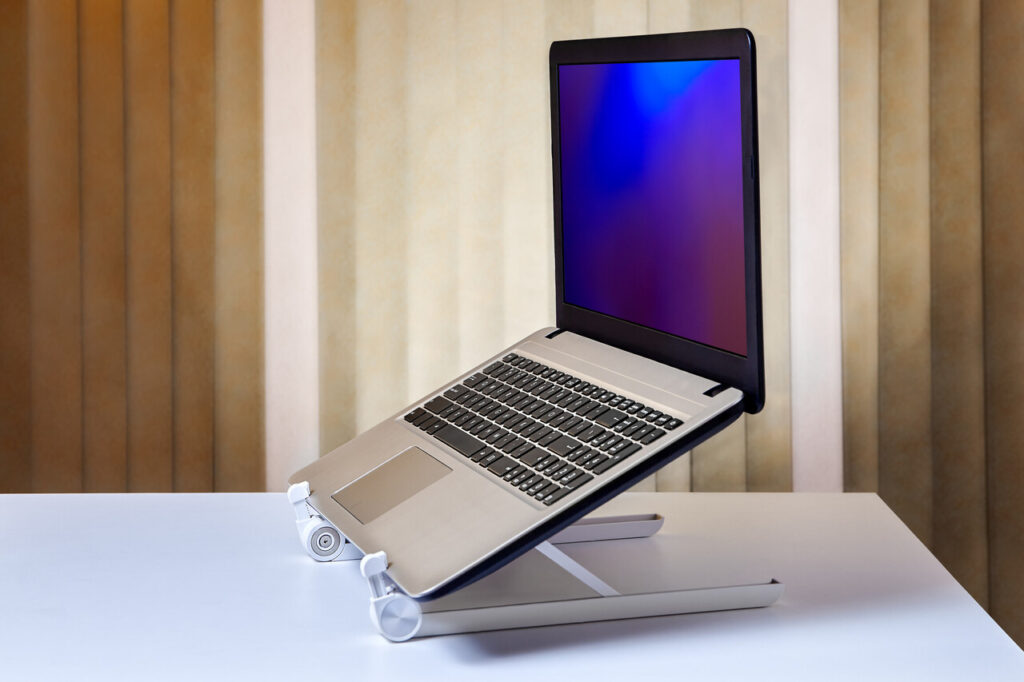
For anyone who works mainly on a laptop, a stand is almost essential. Laptops sitting flat on a desk put the screen too low, which encourages you to hunch forward. A stand raises the screen closer to eye level, which reduces neck and upper back strain. It also tilts the keyboard away, which is why pairing a stand with an external keyboard and mouse gives the most ergonomic result. Many stands are open or minimal underneath, creating space to slide a notebook, tablet, or keyboard when not in use. Clear acrylic or slim metal designs keep the visual weight low, so the stand feels like part of the desk rather than a bulky add-on.
7. Ergonomic Keyboard And Mouse Set
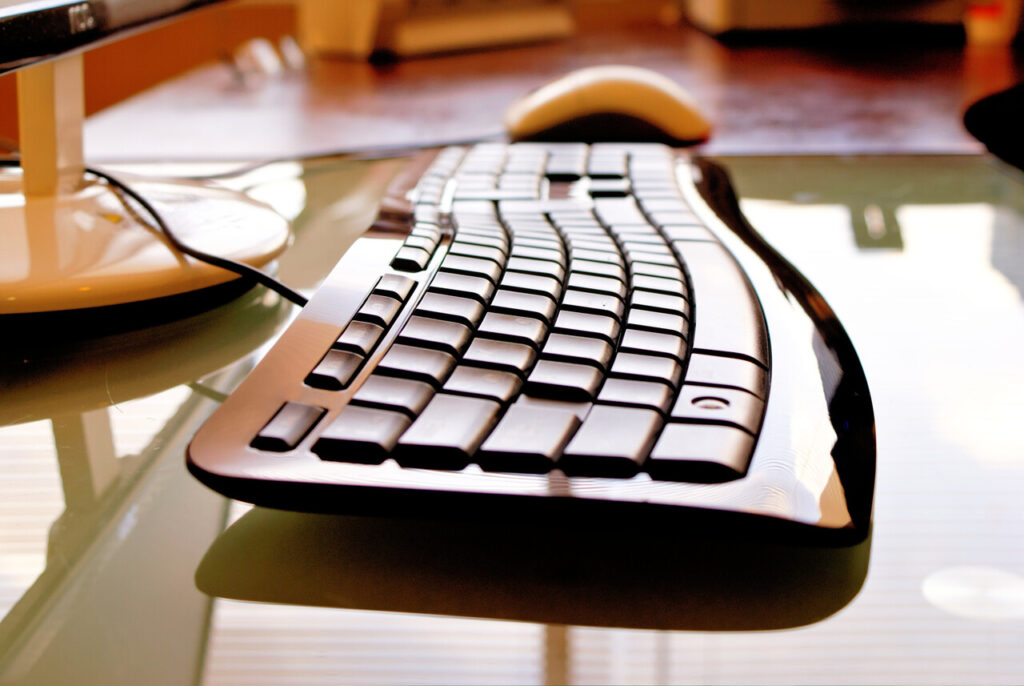
Your keyboard and mouse are the tools you touch most, so small improvements here can have a big effect on comfort. Ergonomic designs aim to keep wrists in a more natural position, reduce strain on forearms, and minimize gripping or twisting. Split or curved keyboards, low-travel keys, and gently contoured mice can help if you spend many hours typing each day. Wireless sets reduce cable clutter and give you more freedom to adjust the position until it feels right. Over time, the main benefit is less fatigue and a workspace that feels like it was set up with your body, not just your devices, in mind.